
How to Send Money from Canada to the Philippines: A Complete Guide
What Canadian senders should know about exchange rates, fees, verification and direct bank deposits
Remitra Pay · Updated
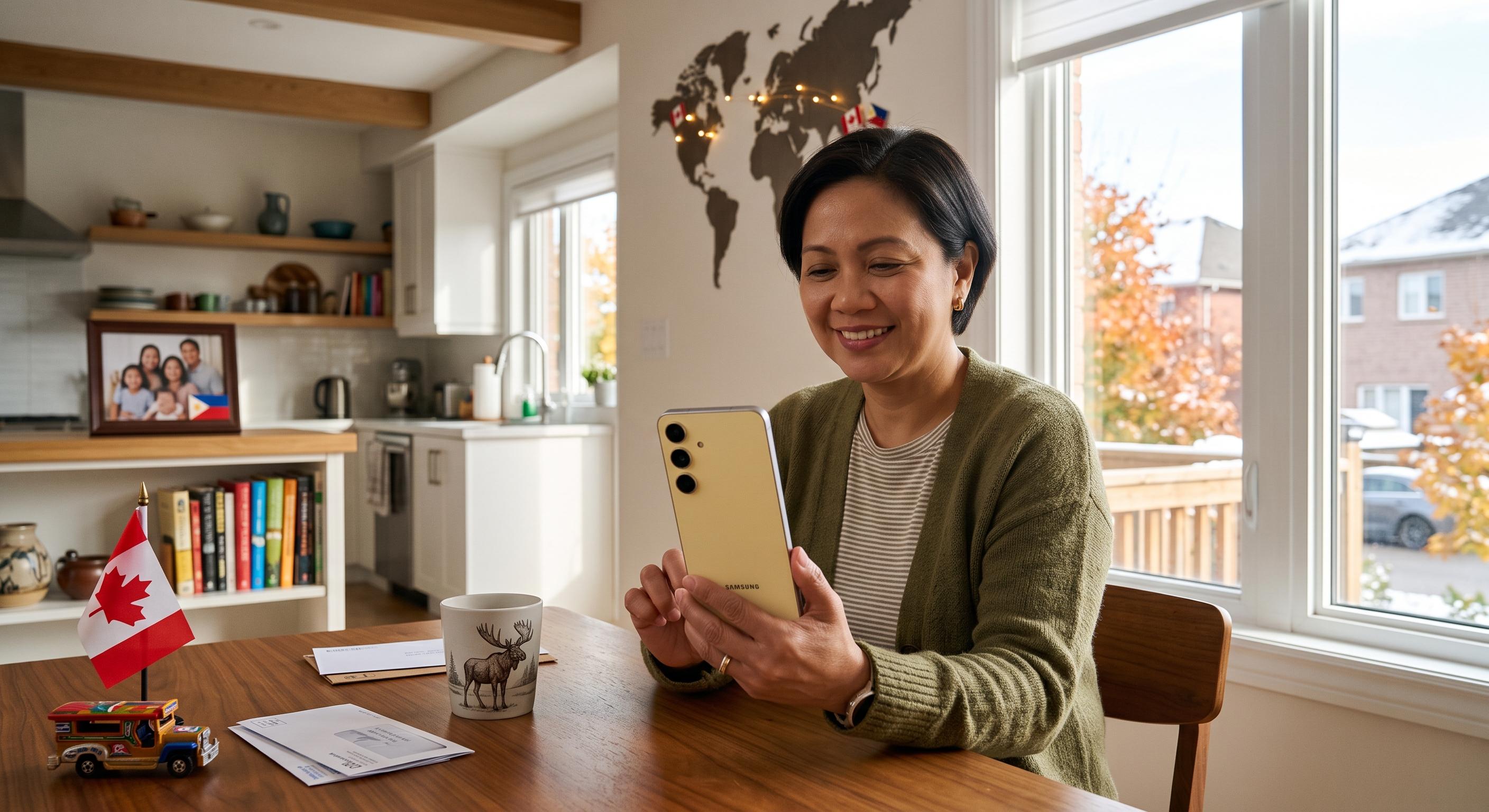
For many Filipino Canadians, sending money to the Philippines is part of staying connected to the people who matter.
The money may help parents pay household bills, cover school expenses, buy groceries, manage medical costs or prepare for an important family celebration. Sometimes it is regular monthly support. Other times, it is help during an unexpected situation.
Whatever the reason, the sender needs to know how much the transfer will cost, how many Philippine pesos the recipient is expected to receive and where the money is during the process.
Remitra Pay allows verified customers in Canada to send money directly to eligible bank accounts in the Philippines. Customers can review the CAD to PHP exchange rate, transfer fee and expected recipient amount before confirming their transfer.
Here is what you should prepare and check when sending money from Canada to the Philippines.
Create your Remitra Pay account
The first step is to create a Remitra Pay account using your email address and Canadian mobile number.
Enter your personal information exactly as it appears on your government issued identification.
You may need to provide:
- Your full legal name
- Date of birth
- Canadian residential address
- Email address
- Canadian mobile number
Accuracy matters from the beginning. A shortened name, different spelling or old address may cause the account to require additional review.
Create a strong password that you don’t use for other accounts. Your email, online banking and Remitra Pay accounts should each have different passwords.
Never give your password or verification code to another person. Remitra Pay support shouldn’t need your password to help you with a transaction.
Complete identity verification
Canadian money services businesses must follow identity verification, recordkeeping and compliance requirements.
These requirements help confirm who is using the service and reduce the risk of fraud, money laundering and other financial crimes.
FINTRAC states that money services businesses must verify customers for certain activities and transactions.
Remitra Pay uses Veriff for its identity verification process. You will generally need an accepted government issued photo ID and may be asked to take a photograph of yourself.
Before beginning the verification process:
- Make sure your identification is valid and hasn’t expired
- Check that your full name is clearly visible
- Find a bright area without strong glare
- Clean your phone’s camera lens
- Keep all four corners of the document visible
- Don’t cover any information with your fingers
- Follow the instructions displayed on the screen
FINTRAC guidance explains that an identification document used for verification must be authentic, valid and current. It must also include the person’s name, photograph and a unique identifying number. Review FINTRAC’s identity verification guidance.
Some accounts or transactions may require more information. This doesn’t automatically mean there is a problem. Additional questions may be necessary to confirm the sender’s identity, source of funds or reason for the transfer.
Complete the verification yourself. Don’t allow another person to create or verify an account for you.
Prepare your recipient’s Philippine bank information
Remitra Pay sends international transfers directly to eligible bank accounts.
Before starting your transfer, ask your recipient to provide their current banking information exactly as it appears in their bank records.
Depending on the bank and transaction, you may need:
- Recipient’s full legal name
- Recipient’s address
- Recipient’s phone number
- Bank name
- Bank account number
- Branch information
- Required bank or routing code
- Purpose of the transfer
- Your relationship to the recipient
The information requested can vary by bank and transfer arrangement. Remitra Pay will show the details required for your recipient.
Don’t assume that information used for a previous transaction is still correct. Your recipient may have changed accounts, moved to another bank or updated their contact information.
Ask the recipient to confirm their details using an official bank statement or their banking application. Avoid copying account information from an old text message without checking it.
The recipient’s name should match the name connected to their bank account. Nicknames, shortened names and spelling differences can create problems.
For example, if the bank account is registered under a recipient’s complete legal name, don’t replace that name with the shorter version commonly used by family members.
Enter the amount you want to send
Once your recipient has been added, enter the amount you want to send in Canadian dollars.
Remitra Pay will display the expected amount in Philippine pesos using the available CAD to PHP exchange rate.
Before continuing, review:
- The amount being sent in Canadian dollars
- The CAD to PHP exchange rate
- The transfer fee
- The expected recipient amount
- The available processing estimate
Exchange rates can change throughout the day because the Canadian dollar and Philippine peso move in international currency markets.
The Bangko Sentral ng Pilipinas publishes foreign exchange information that can help people understand general currency movements. However, central bank reference rates aren’t necessarily the rates offered to customers by a money transfer provider.
The rate that matters for your transaction is the one displayed before you confirm your Remitra Pay transfer.
Don’t rely on an exchange rate shown in an old article, screenshot or social media post. Always check the current rate inside your account.
Look beyond the advertised transfer fee
A transfer fee is only one part of the cost.
The CAD to PHP exchange rate also affects how many Philippine pesos will be deposited into your recipient’s bank account.
Two services can charge the same fee and still deliver different amounts. One may offer a stronger exchange rate, while another may build more of its cost into the currency conversion.
Before confirming a transfer, ask three simple questions:
- How many Canadian dollars am I paying?
- What is the complete transfer fee?
- How many Philippine pesos is my recipient expected to receive?
The expected recipient amount is often the easiest way to understand the overall value of the transaction.
You should also check whether any receiving-bank or other charges are disclosed.
Don’t confirm the transfer until the complete cost makes sense to you.
Select the correct transfer purpose
You may be asked why you are sending money to the Philippines.
Common reasons may include:
- Family support
- Education expenses
- Medical costs
- Household bills
- Groceries
- Gifts and celebrations
- Emergency assistance
- Travel expenses
- Property related payments
- Approved business related payments
Select the reason that accurately describes your transaction.
You may also be asked about the source of the money. This may include employment income, personal savings or business income.
Provide clear and honest information. An inaccurate or unclear answer may cause the transfer to require additional review.
If supporting documentation is requested, submit a clear and complete copy through the approved Remitra Pay process.
Review the transfer carefully
Before confirming the transaction, check every important detail one more time.
Review:
- Recipient’s full legal name
- Philippine bank name
- Bank account number
- Branch or routing information
- Transfer amount
- CAD to PHP exchange rate
- Transfer fee
- Expected amount in Philippine pesos
- Reason for the transfer
This final review can help prevent avoidable delays.
Pay particular attention to the bank account number. A single incorrect digit may cause the recipient bank to reject the deposit or send it for further investigation.
If you are unsure about any banking information, pause the transaction and confirm it with the recipient.
Fund the transfer
Once the transaction details are correct, confirm the transfer and follow the funding instructions displayed in Remitra Pay.
Use the payment details and reference information provided for that specific transaction.
If a payment reference is required, enter it exactly as shown. The reference may help match your payment to the correct money transfer.
Don’t assume that funding instructions from an earlier transfer are still valid. Always follow the current instructions displayed in your account.
Keep the payment confirmation until the transfer has been completed.
Track your transfer
After funding the transaction, you can follow its progress through your Remitra Pay account.
The transfer status may indicate that it is:
- Waiting for funding
- Funded
- Processing
- Under review
- Completed
- Unsuccessful or returned
The exact status wording may vary, but it should help you understand what is happening.
If Remitra Pay requests additional information, respond as soon as possible. Waiting to provide the required information may delay the transfer.
Once the transfer is completed, keep the receipt or transaction record for your files.
If you need help, contact Remitra Pay support and provide the transaction reference number. This will help the support team locate the correct transfer.
Why a transfer to the Philippines may be delayed
Digital transfers can move efficiently, but not every transaction will be completed instantly.
A transfer may take longer for several reasons.
The sender’s payment hasn’t been received
The transfer can’t move forward until the required payment has been received and matched to the transaction.
The recipient’s name doesn’t match
The receiving bank may delay or reject a deposit if the recipient’s name doesn’t match its account records.
The bank account number is incorrect
An invalid or incomplete account number may prevent the bank from completing the deposit.
Additional information is required
Remitra Pay may need more information about the sender, recipient, source of funds or transaction purpose.
The transaction requires compliance review
Some transfers require additional review based on their amount, pattern, purpose or other details.
The receiving bank is closed
Weekends and Philippine banking holidays may affect processing times.
The recipient bank requires more time
Each bank may have its own internal processing schedule for incoming transactions.
A technical interruption has occurred
Banks, payment networks and technology providers can occasionally experience technical issues.
If a transfer is delayed, check its status before creating another transaction. Sending a second payment can create a duplicate transfer and make the situation more difficult to resolve.
Protect yourself when sending money
International money transfers are sometimes used in scams because a completed bank deposit may be difficult or impossible to reverse.
Before sending:
- Confirm the recipient personally
- Check why the money is being requested
- Review the recipient’s banking information
- Be cautious if someone creates a false sense of urgency
- Don’t send money to claim a prize
- Don’t share passwords or verification codes
- Don’t allow someone to remotely access your phone or computer
- Contact Remitra Pay if something feels wrong
Be especially careful if someone asks you to hide the true purpose of a transaction or send money on behalf of another person.
Take time to verify the situation before confirming.
Final checklist before sending to the Philippines
Use this checklist before completing your transfer:
- My Remitra Pay account is verified
- My personal information matches my identification
- The recipient’s name matches their bank account
- I have checked the bank name and account number
- I have provided the requested branch or routing information
- I have reviewed the CAD to PHP exchange rate
- I understand the transfer fee
- I have confirmed the expected recipient amount
- I have selected the correct transfer purpose
- I have reviewed the funding instructions
- I know how to track the transfer
A few careful checks can help prevent errors and reduce unnecessary delays.
Frequently asked questions
What information do I need to send money to the Philippines?
You will generally need a verified Remitra Pay account and your recipient’s legal name, contact information and banking details.
The app will show the exact information required for the selected Philippine bank.
What identification do I need?
You will need an accepted government issued photo ID. The document should be valid, current and connected to the information entered in your Remitra Pay account.
Additional information may be requested when required.
What is the current CAD to PHP exchange rate?
Exchange rates change throughout the day. Check Remitra Pay for the current available rate and review it before confirming your transfer.
How much does it cost to send money to the Philippines?
The cost depends on the exchange rate, transfer fee and any other charges disclosed before confirmation.
Review the amount your recipient is expected to receive rather than looking only at the advertised fee.
How long does a Philippine bank deposit take?
Processing times depend on funding, recipient information, banking hours and any required security or compliance review.
Check the estimate and transaction status displayed in your Remitra Pay account.
Can I send money to a mobile wallet or for cash pickup?
Remitra Pay currently sends international transfers directly to eligible bank accounts. Mobile wallet and cash pickup services aren’t currently offered.
Why is my transfer under review?
A transaction may be reviewed to verify information, confirm its purpose, assess risk or meet compliance requirements.
Check your Remitra Pay account for instructions and respond promptly if additional information is requested.
Can I track my transfer?
Yes. Sign in to your Remitra Pay account and open the transaction to see its latest status.
What should I do if I entered incorrect bank information?
Contact Remitra Pay support immediately and provide your transaction reference number.
Don’t create another transfer unless the support team advises you to do so.
Can I cancel a bank deposit?
Cancellation depends on the transaction status. Contact support as soon as possible.
A transfer that has already been deposited into the recipient’s bank account may not be reversible.
Send money from Canada to the Philippines with Remitra Pay
Sending money to the Philippines becomes easier when you prepare the correct information before starting.
Create and verify your account, confirm the recipient’s banking details, review the CAD to PHP rate and transfer fee, and check the expected recipient amount before confirming.
Remitra Pay is now live, giving Canadians a clear way to send money directly to eligible bank accounts in the Philippines.
Create your Remitra Pay account, check the current CAD to PHP rate and start your transfer today.
Sources
- Financial Transactions and Reports Analysis Centre of Canada, Money Services Businesses.Accessed . Supports: Canadian money services businesses must maintain compliance programs and verify customers for certain transactions.
- Financial Transactions and Reports Analysis Centre of Canada, Methods to Verify the Identity of Persons and Entities.Accessed . Supports: Requirements for using government issued photo identification to verify a person’s identity.
- Bangko Sentral ng Pilipinas, Exchange Rate and Financial Information.Accessed . Supports: The Philippine central bank publishes foreign exchange information for reference.